Sony Spatial Reality Display: Glasses-Free Stereoscopic Cinema at KOTE Gallery, Seoul
Presenting ONO on the Sony ELF-SR2 at KOTE in Seoul
Sony ELF-SR2, Spatial Reality Display, glasses-free 3D, stereoscopic cinema, gallery exhibition, Raspberry Pi
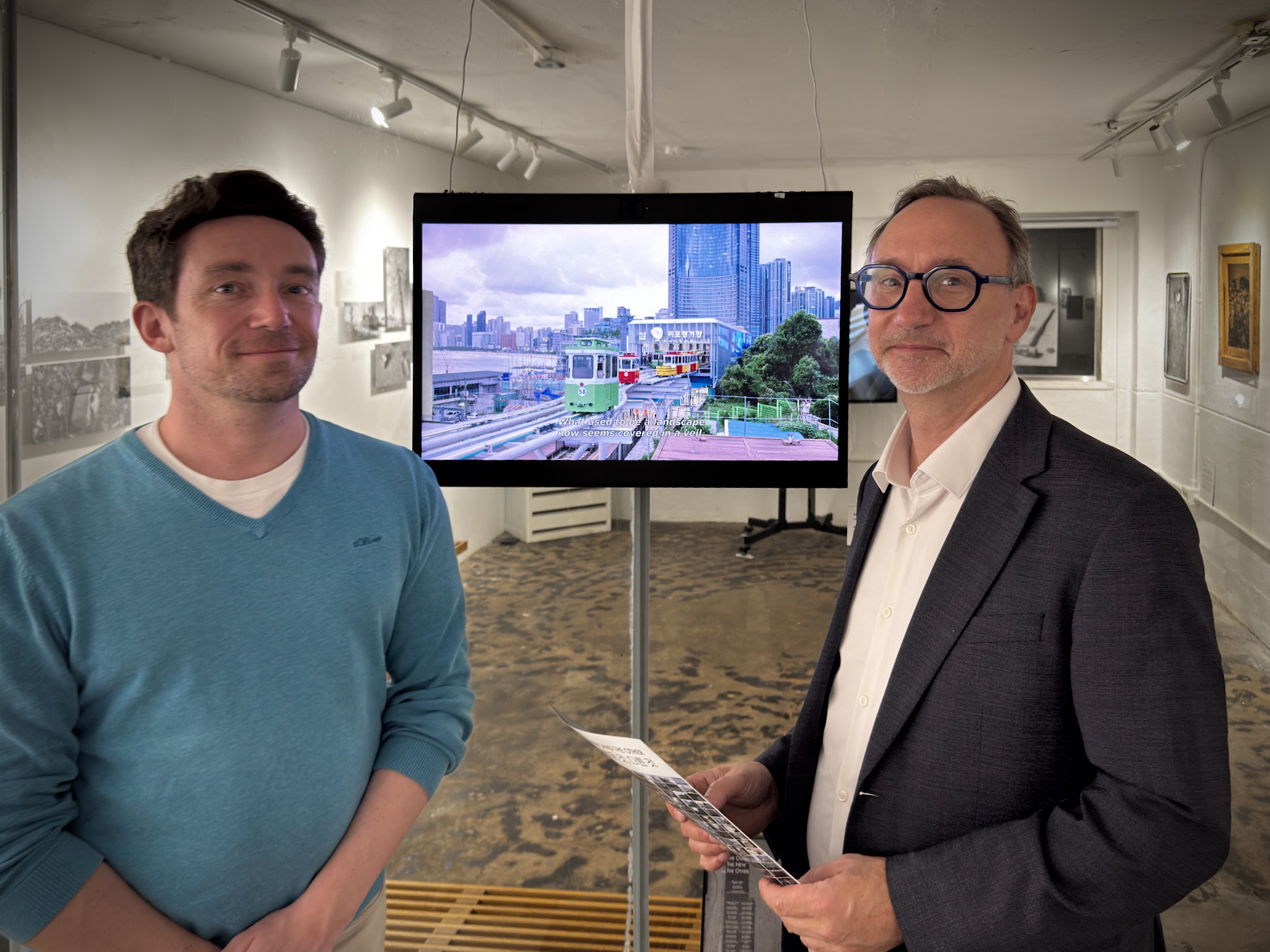
The exhibition
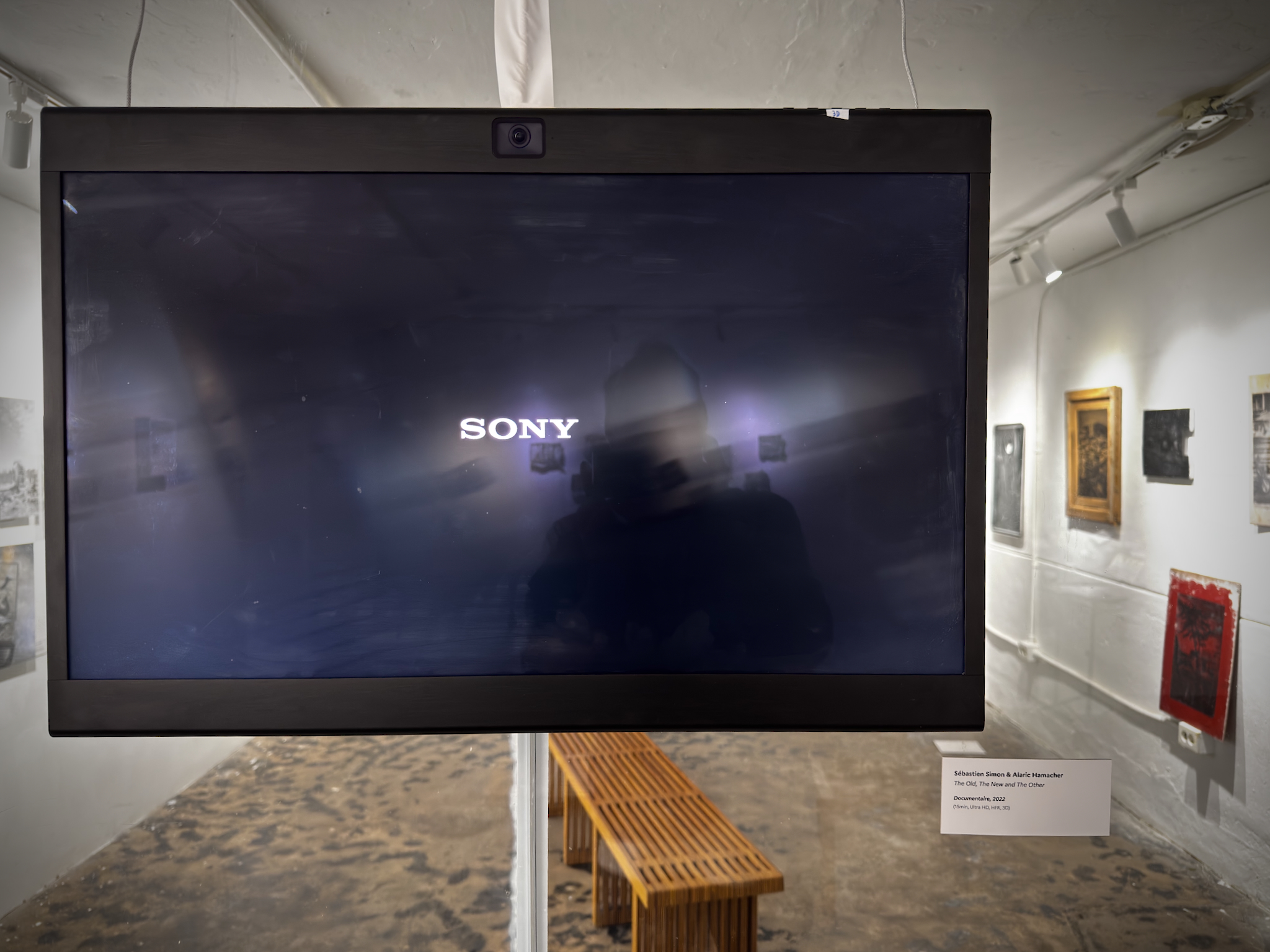
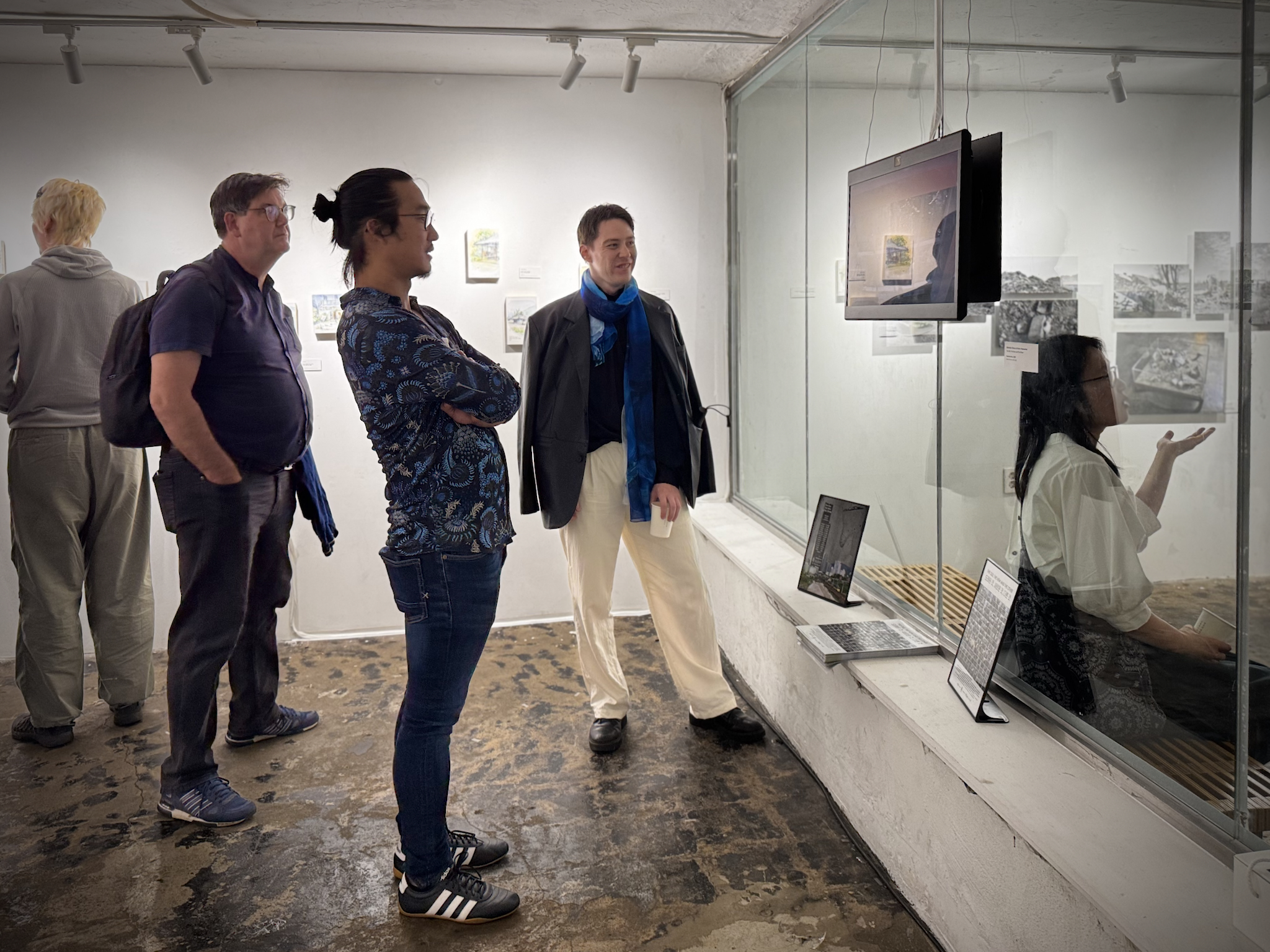
Alaric Hamacher presents the stereoscopic film ONO in ARCHÉOLOGIE DU PRÉSENT, an exhibition by Nuances at KOTE in Insadong, Seoul. The installation presents the film on Sony’s ELF-SR2 Spatial Reality Display: a 27-inch display designed to show spatial images without requiring the viewer to wear 3D glasses. Sony describes the system as using a special micro-optical lens in front of the LCD to produce the glasses-free 3D presentation (Sony support).
Nuances is a multidisciplinary collective of Francophone artists and creators living or working in South Korea. Its first group exhibition, ARCHÉOLOGIE DU PRÉSENT (Archaeology of the Present), brings together different artistic practices to observe the layers and rapid transformations of contemporary Korean society. The exhibition was presented in Busan before its Seoul presentation at KOTE. The GoEun Museum of Photography is an important photographic institution in Busan; the exhibition announcement is documented by Seoul Village.
The 2026 presentation also belongs to the commemorative year marking 140 years since the 1886 Treaty of Amity, Commerce and Navigation between Joseon and France. The anniversary programme frames cultural and artistic exchange as part of the continuing relationship between Korea and France, as reported by Korea.net and The Korea Times. In that context, ONO contributes a stereoscopic cinema work to an exhibition about contemporary Korea, presented through a collaboration between French and Korean creative communities.
- Exhibition: ARCHÉOLOGIE DU PRÉSENT, Nuances
- Work: The Old, The New and The Other (ONO)
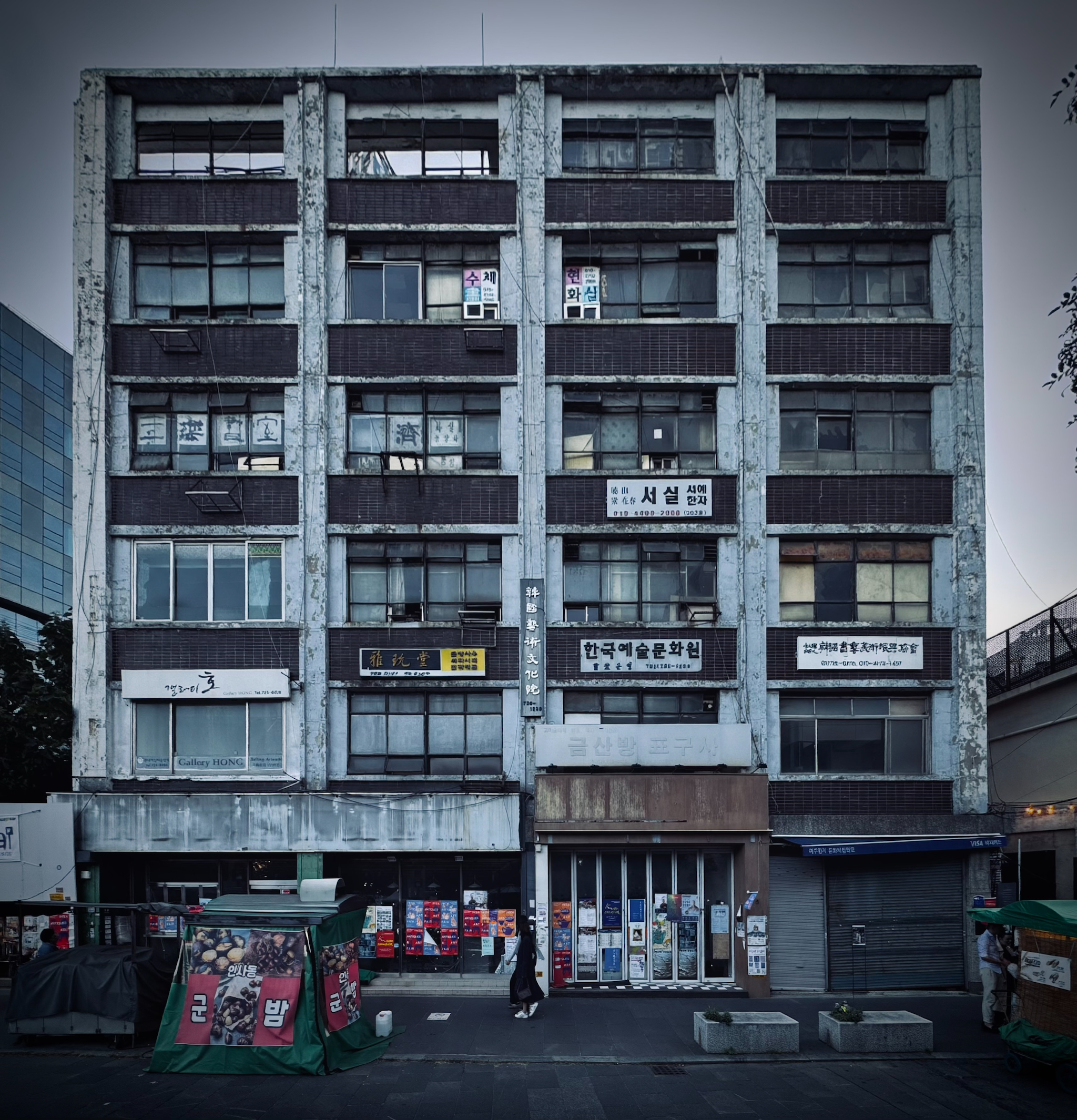
- Venue: KOTE Gallery, Insadong, Seoul
- Dates: 1–14 October 2026
- Admission: Free
- Display: Sony Spatial Reality Display ELF-SR2
- Playback: Raspberry Pi 4B loop server over HDMI
The exhibition is presented as the first in Korea to show a stereoscopic artwork on the Sony ELF-SR2. The gallery context is important: the display is not being used as a technology demonstration separated from an artwork, but as the viewing surface for a film made with a cinematic language.
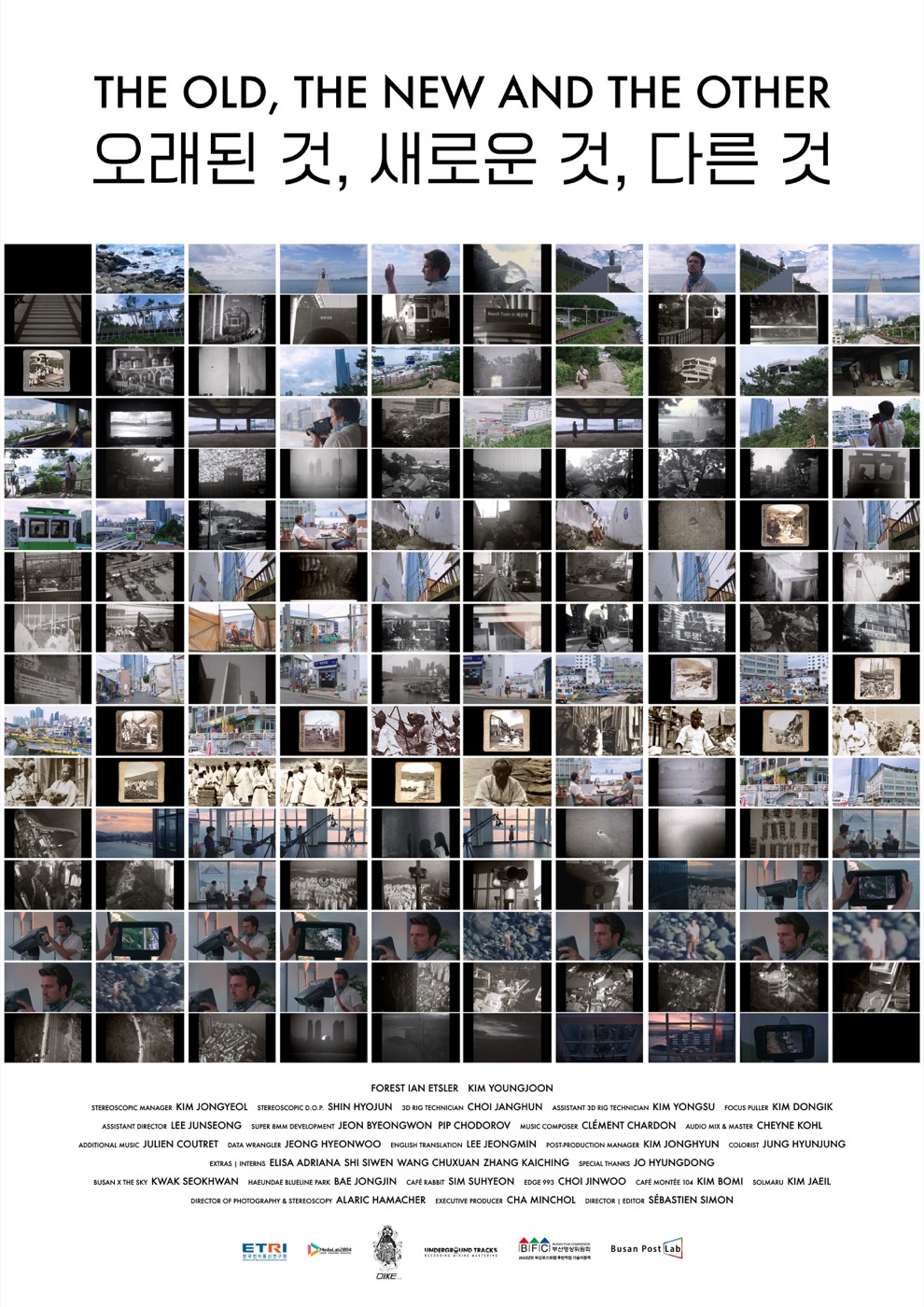
The movie and the makers
ONO was created in collaboration with French filmmaker Sébastien Simon and producer Minchol Cha. Hamacher worked as Director of Cinematography and Stereographer.
Shooting
The film was shot stereoscopically with Sony VENICE cinema cameras, together with the stereoscopic team of DIKE3D.
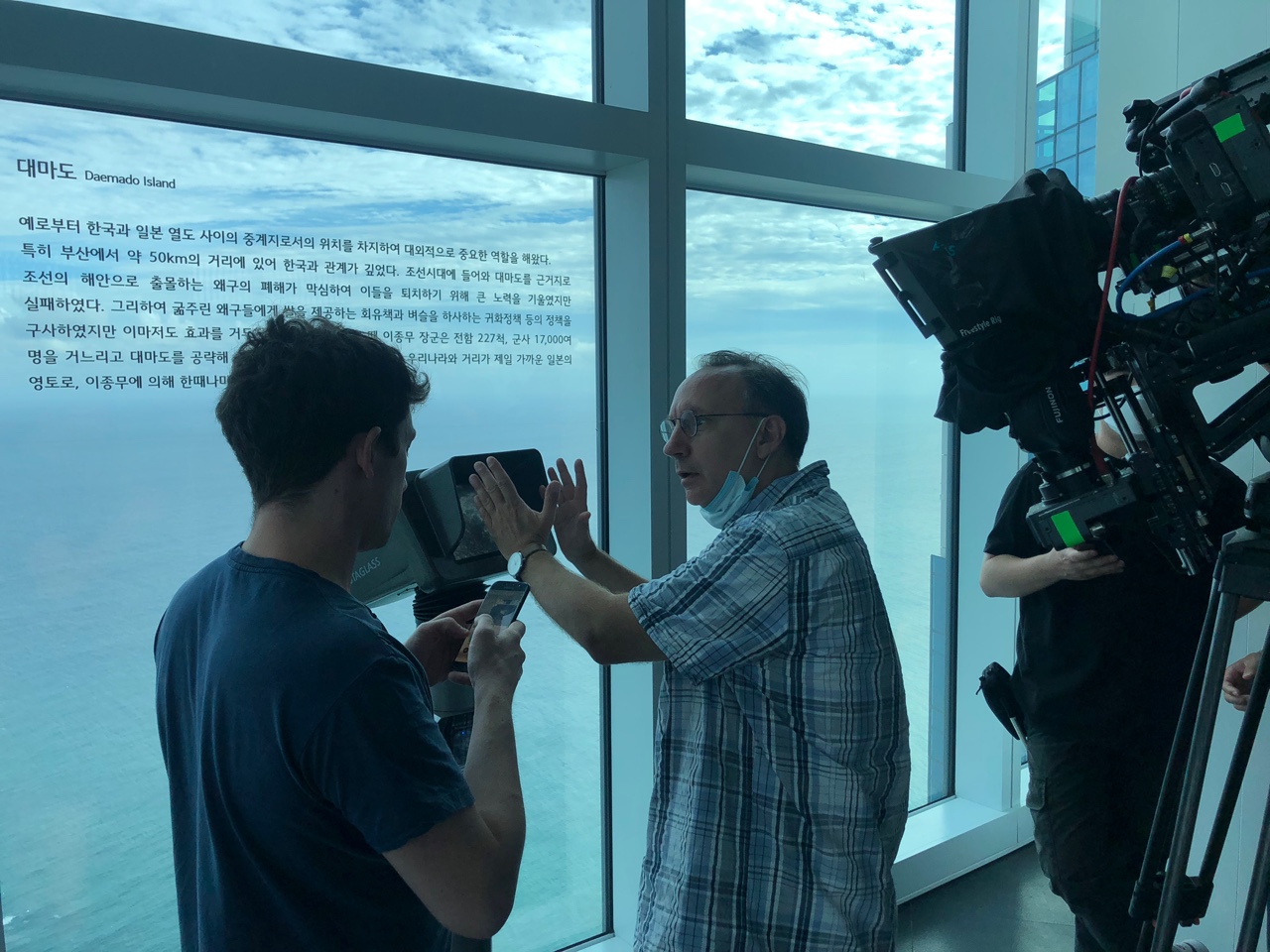
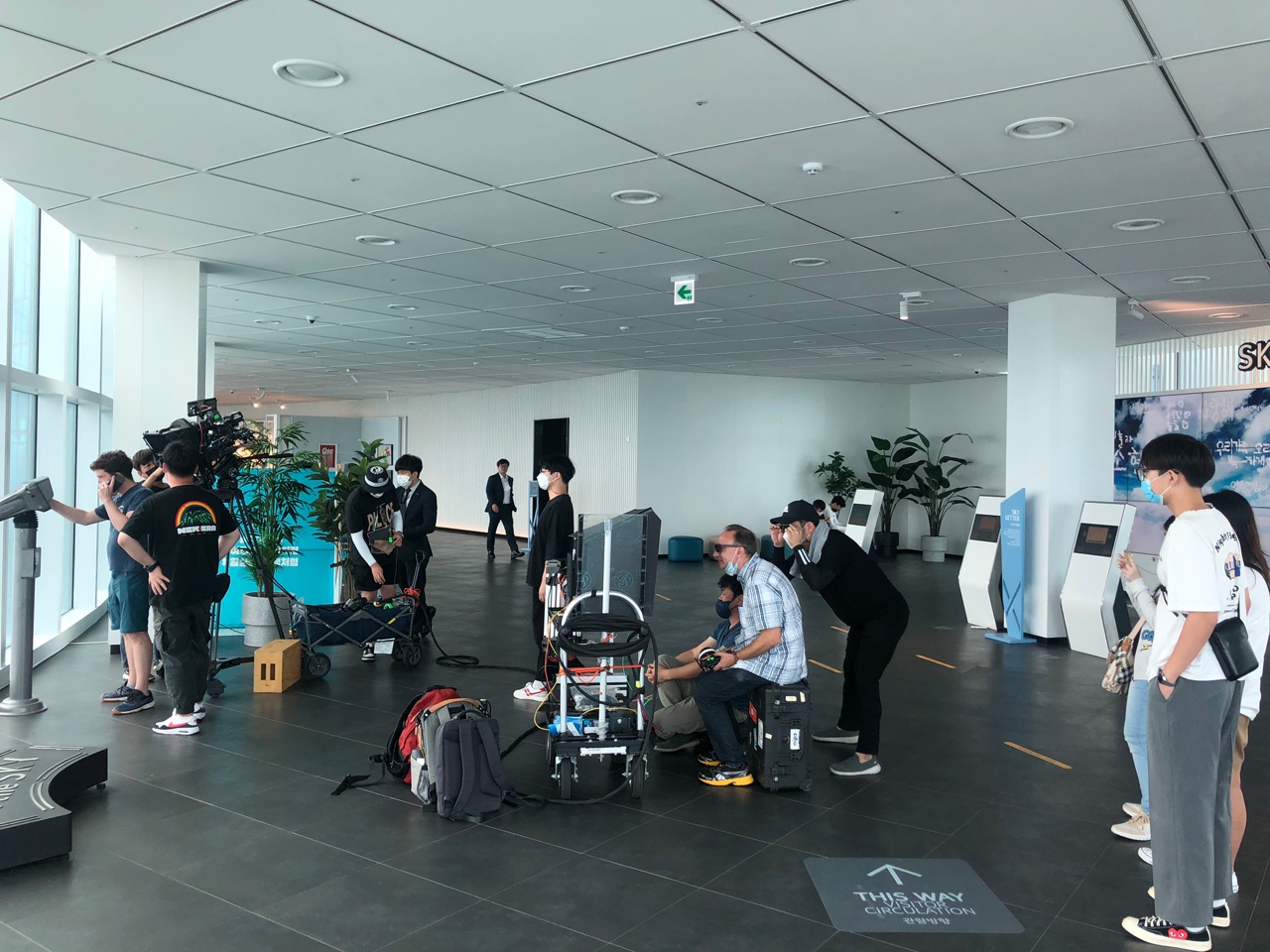
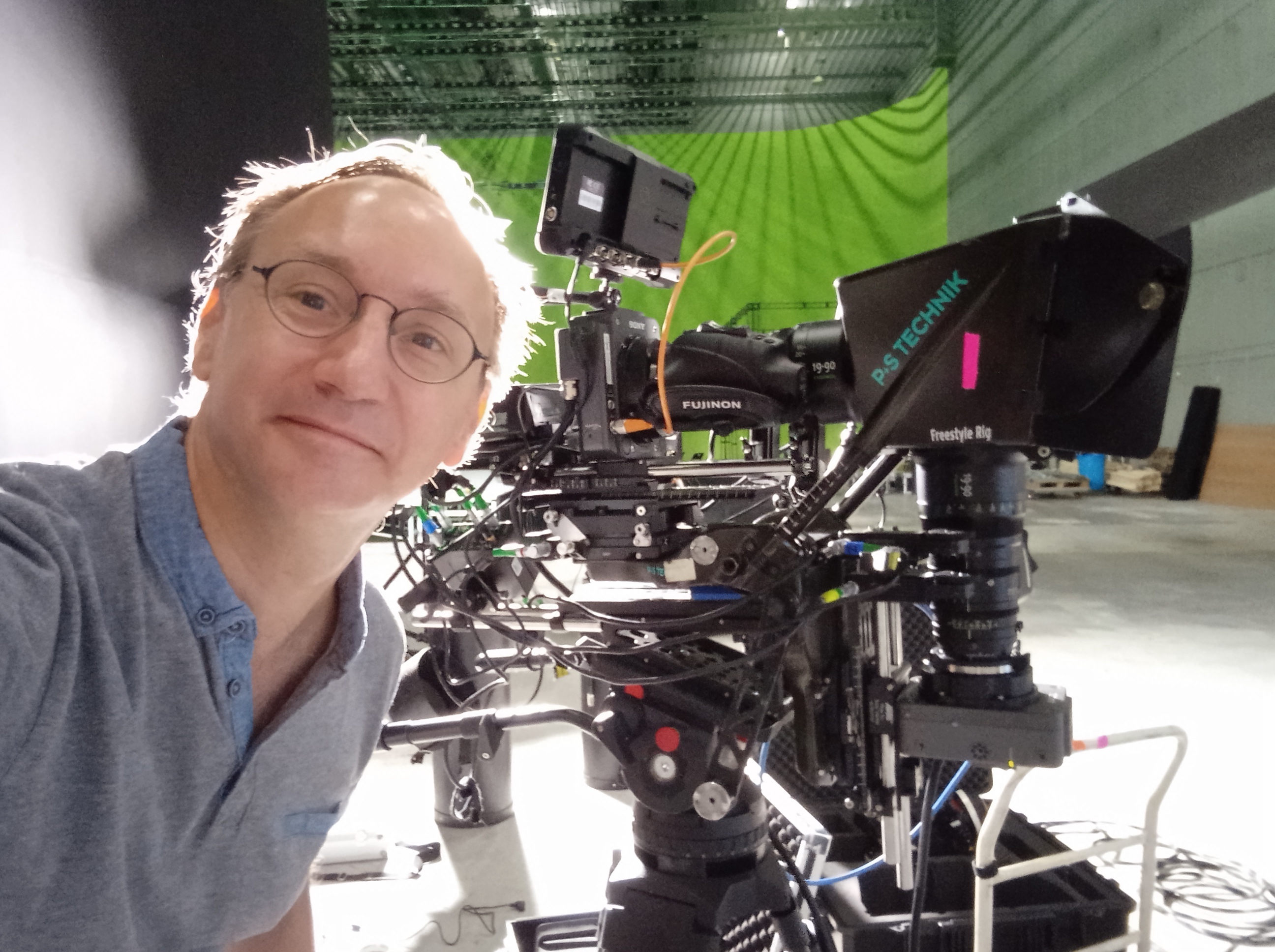
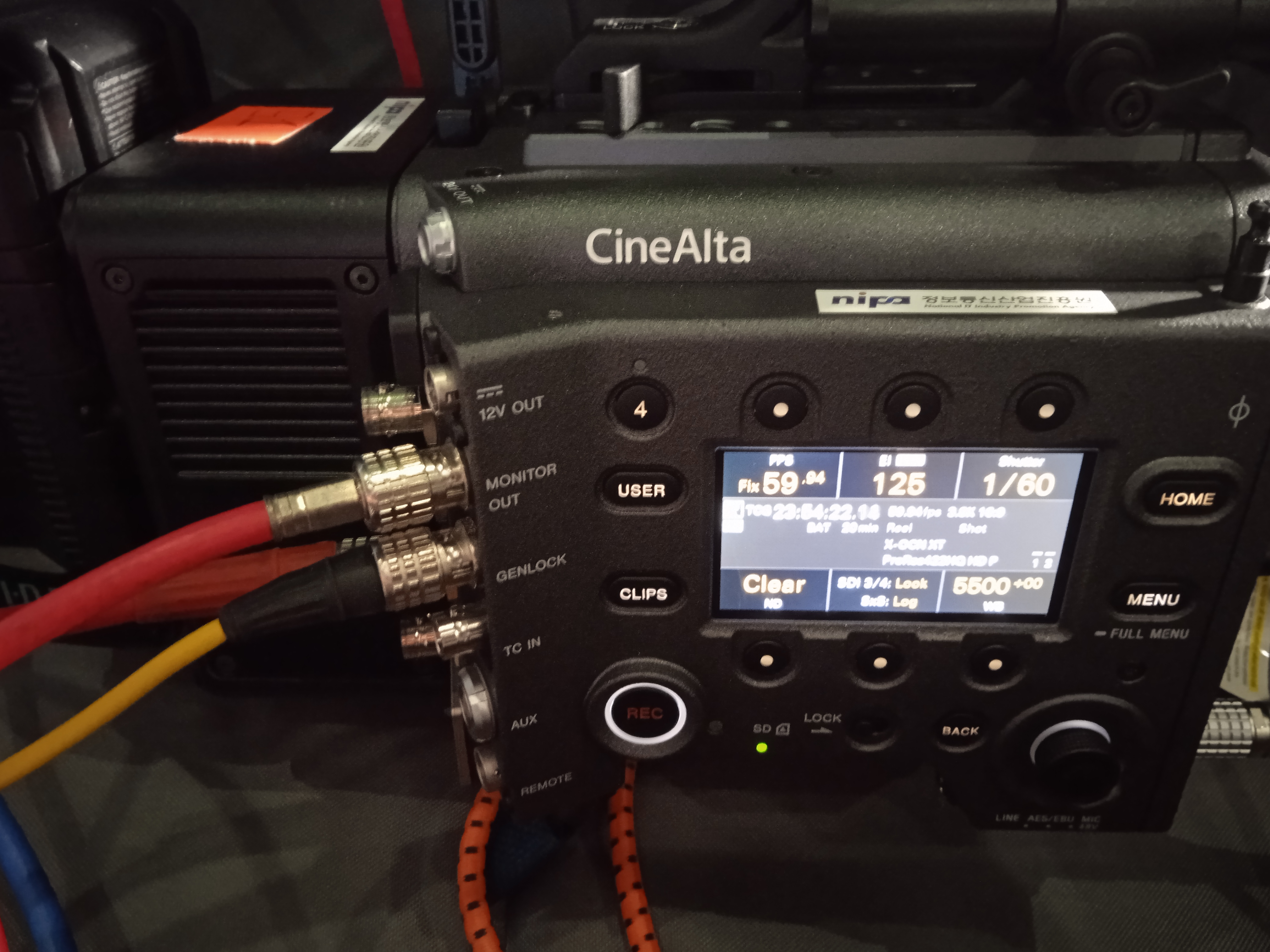
The exhibition therefore closes a complete chain: two camera viewpoints are captured as a cinematic production, the images are prepared as a frame- compatible stereo signal, and the spatial display reconstructs the intended left/right separation for the viewer. Moving the work into a gallery changes the social conditions of viewing. People can approach the screen, discuss the image, and encounter stereoscopic cinema without the ritual of distributing, wearing, and removing glasses.
The Old, The New and The Other (ONO) — 2022, documentary, South Korea, 15 minutes; 4K and Super 8mm; stereoscopic 3D; 5.1 surround sound.
- Executive producer: Cha Minchol
- Director, writer, editor: Sébastien Simon
- Director of photography and stereoscopy: Alaric Hamacher
- Starring: Forest Ian Etsler and Kim Youngjoon
- Stereoscopic manager: Kim Jongyeol
- Stereoscopic director of photography: Shin Hyojun
- 3D rig technician: Choi Janghun
- Music composer and performer: Clément Chardon
- Audio mix and mastering: Cheyne Kohl
The complete production information is recorded in the film information sheet. The film is also listed on IMDb.
Technical instructions
The display signal used for this installation
For this installation, the playback chain uses a side-by-side, frame-compatible HDMI signal. The left and right views occupy the two halves of one video frame. The display receives the stereo image over HDMI, and the installation also carries the film’s audio through the HDMI connection.
This is a practical exhibition format: it keeps the playback computer’s job simple and makes the master easy to inspect before it reaches the display. The signal format should still be tested with the specific display firmware, resolution, frame rate, and cable path used in the gallery. Sony’s support documentation should be consulted for current model-specific operating and troubleshooting information (ELF-SR2 support).
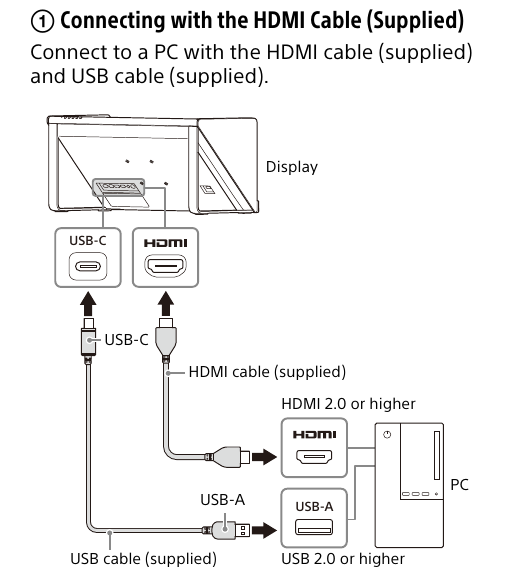
The diagram is adapted from Preparation 2: Connection, page 10 of the Sony ELF-SR2 User Guide. Sony’s guide shows the supplied HDMI cable connecting the computer’s HDMI output to the display, along with the USB connection used in the guide’s PC setup. In the gallery installation described here, the Raspberry Pi 4B supplies the playback signal through the HDMI path.
The ELF-SR2 provides selectable presentation modes. On the display, the mode button can switch between 2D, 3D, and 2D-to-3D. For a prepared stereoscopic master such as ONO, the intended exhibition mode is the native 3D mode; the 2D-to-3D setting is a display conversion mode and is not a replacement for authoring a controlled stereoscopic master. Sony’s support material also identifies the display mode as a cause when an ELF-SR2 image does not appear three-dimensional (Sony troubleshooting).

A Raspberry Pi 4B as the loop server
The installation uses a Raspberry Pi 4 Model B as a compact loop server. The Pi starts the prepared film and repeats it continuously, avoiding the need for a general-purpose computer at the display. The Pi is connected to the Sony display by HDMI; the display handles the spatial presentation and the HDMI path carries the accompanying audio.
The reproducible part of the setup is the image-writing workflow:
- Download and install the official Raspberry Pi Imager on another computer.
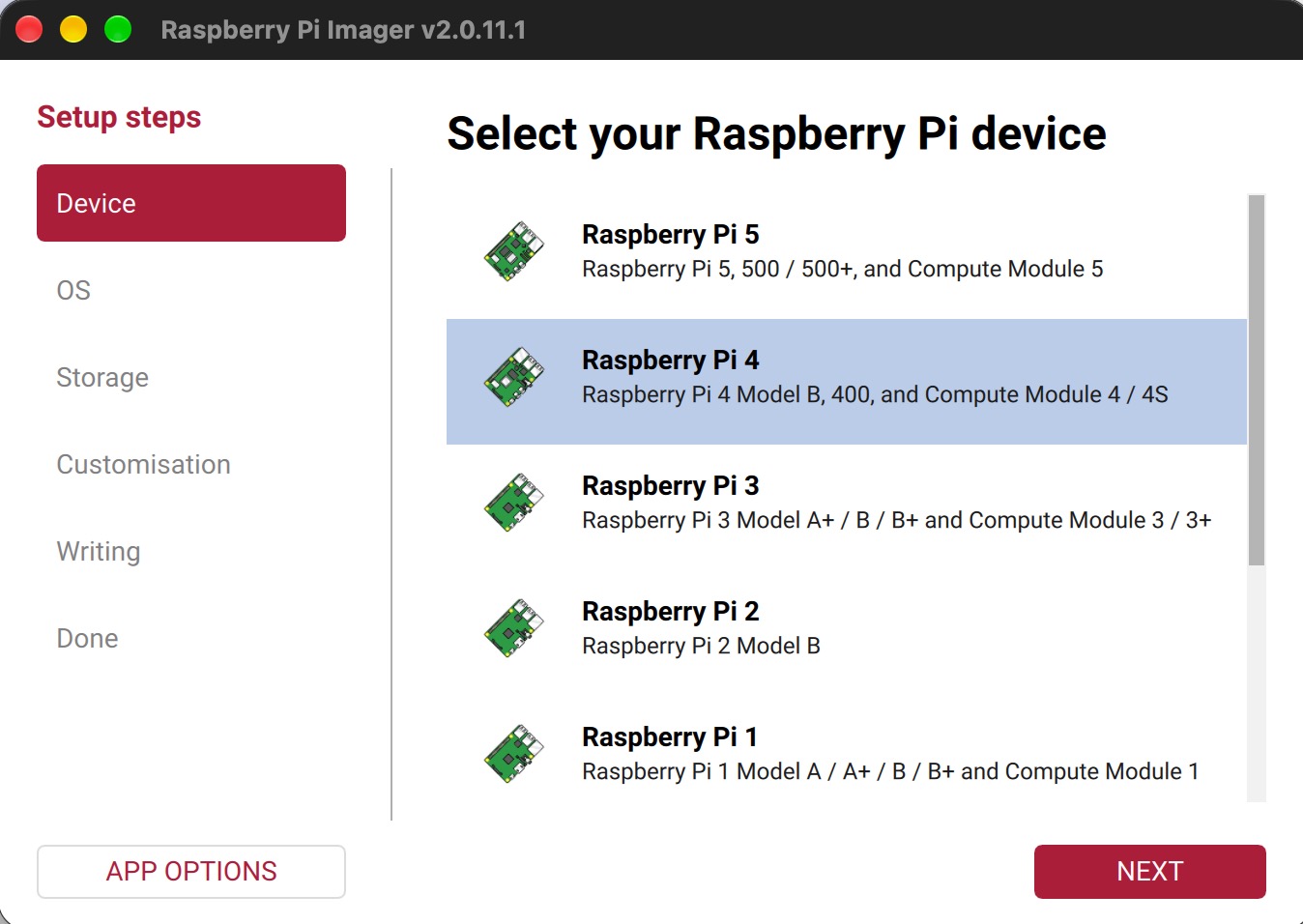
- Insert the microSD card and open Imager. Select the Raspberry Pi 4 Model B as the device, then choose the official Video Looper image with Use custom. The Video Looper page identifies this as version 2.11, released in March 2026, and lists it as compatible with Raspberry Pi 4 but not Raspberry Pi 5. The download is a complete system image, so follow the Video Looper page’s version notes before using an older image.
- Select the microSD card as the storage target. Check the device carefully: writing an image erases the selected storage.
- Write and verify the card, insert it into the Pi, and connect HDMI, network if required, and power.
- Copy the encoded film to the loop player’s documented media location and test the complete chain before installing it in the gallery.
These steps follow Raspberry Pi’s official Imager workflow, which supports selecting a device, choosing an operating system or custom image, selecting storage, and verifying the write (Raspberry Pi documentation). The loop-player image itself is installation-specific; its exact media folder and startup configuration must come from the image’s documentation rather than being assumed here.
Editing the Video Looper configuration
The Video Looper documents its main configuration file as /boot/video_looper.ini. To edit it on the Raspberry Pi, quit the player with Esc, log in locally or through SSH, and run:
sudo nano /boot/video_looper.iniThe configuration uses named sections. For this installation, the most useful documented settings are the audio output and the player volume:
[omxplayer]
sound = hdmi
sound_vol_file = sound_volume

[video_looper]
is_random = false
play_on_startup = true
sound = hdmi sends audio through HDMI; the other documented choices are local, both, and alsa. With sound_vol_file = sound_volume, create a plain-text file named sound_volume beside the video files and put one omxplayer volume value in it, for example:
-10dbThe upstream configuration also documents is_random, play_on_startup, wait_time, resume_playlist, file_reader, directory.path, and playlist settings. Change only the options needed for the installation. Save in nano with Ctrl-X, then Y, and reload the player using the restart command documented by Video Looper. The exact file location and available options can vary with the installed image version, so check the image’s /boot/video_looper.ini and the Video Looper configuration file before editing.
The complete image download, version notes, audio instructions, and configuration guidance are available at the official Video Looper site.
Encoding the film for playback
The exhibition movie is encoded with HandBrake, the open-source transcoder. HandBrake’s official documentation recommends its own website as the download source and provides the general encoding workflow (HandBrake documentation).
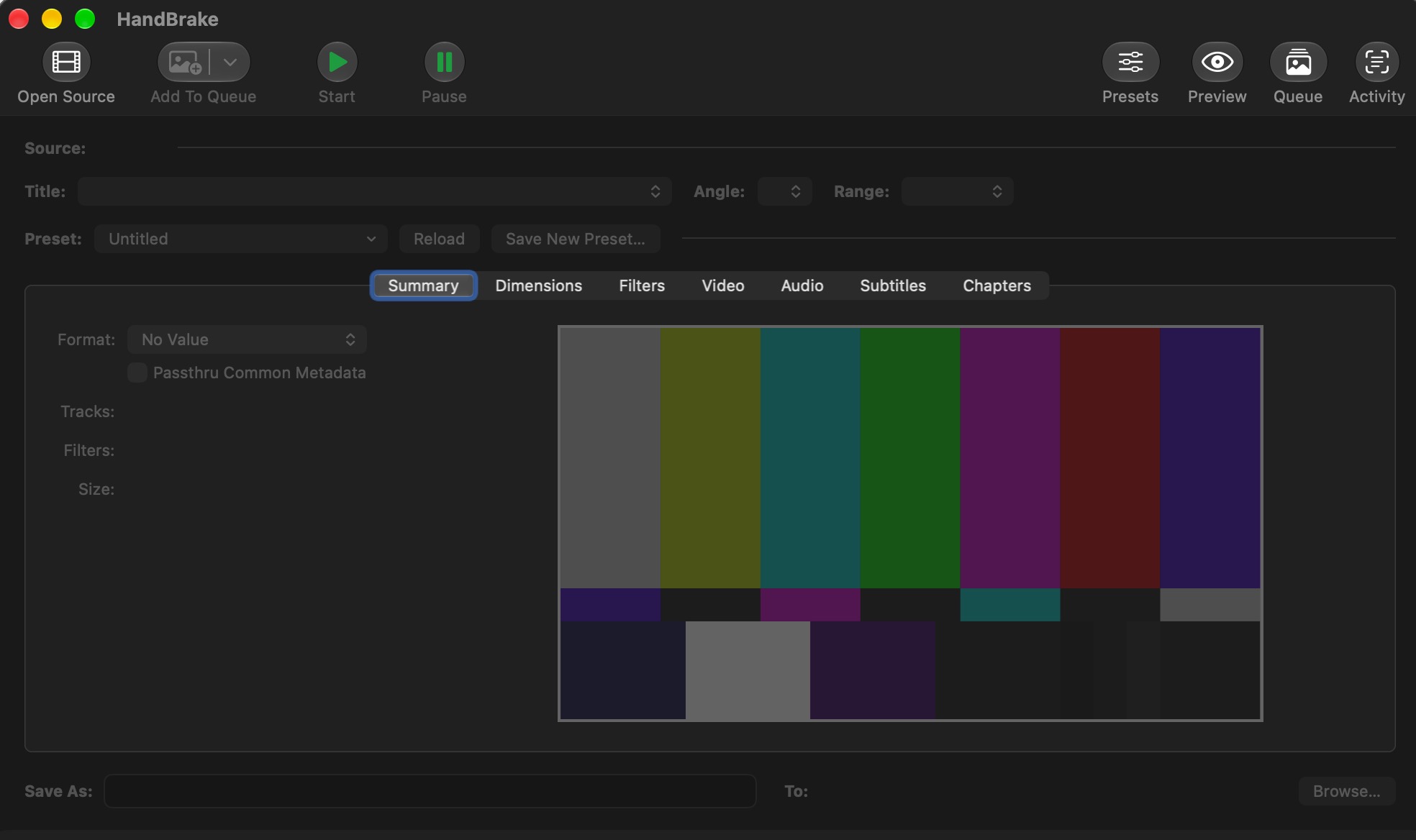
For a stereo display installation, the important preservation step is to keep the two views in their intended side-by-side arrangement. The encode should be checked for the target frame size, frame rate, bitrate, audio track, and HDMI playback behavior on the actual Raspberry Pi before the file is copied to the loop server. A visually correct file in a desktop player is not, by itself, proof that the exhibition chain is correctly configured.
Why this matters for stereoscopic cinema
The ELF-SR2 opens a route for stereoscopic cinema beyond the traditional 3D theatre. Galleries and museums can present a spatial film as an encounter that belongs to the room: one screen, one installation, and viewers who share the same physical space while seeing a glasses-free stereoscopic image.


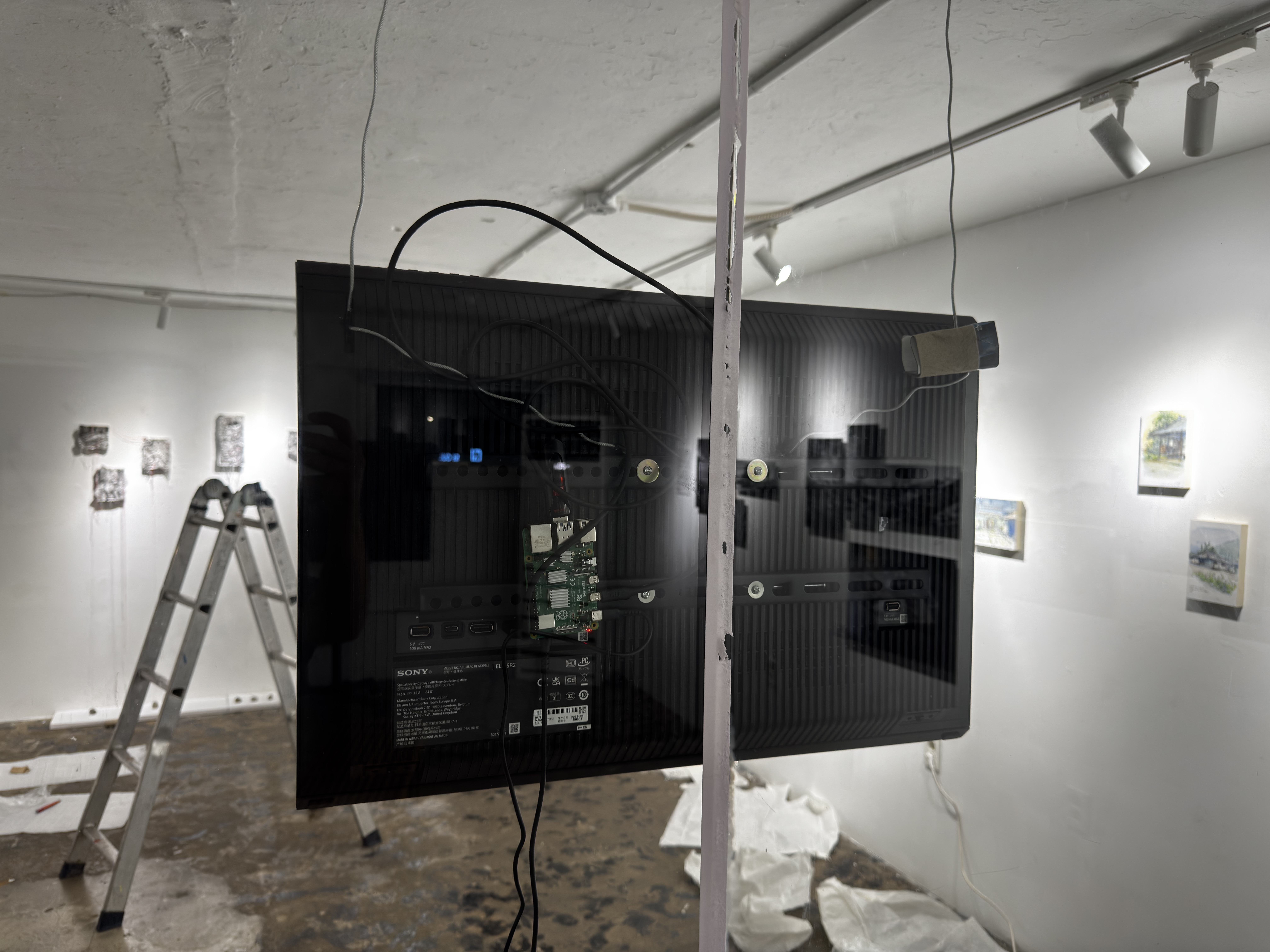
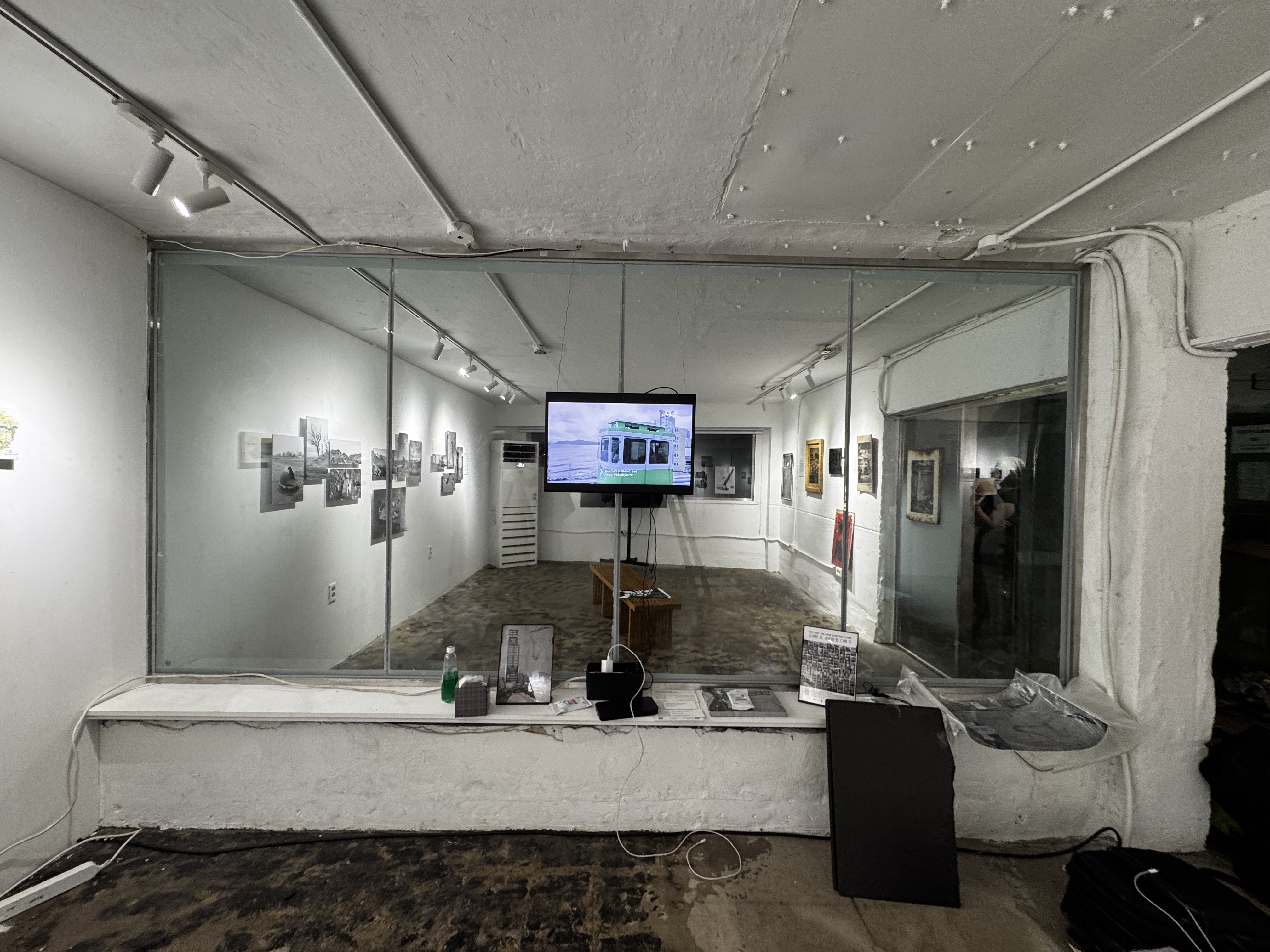
For Hamacher, this is the most compelling possibility of the device: not simply replacing a pair of glasses, but allowing stereoscopic cinematography to enter galleries, museums, universities, and cultural spaces as a physical form of cinema.
For information about the stereoscopic production, glasses-free 3D, spatial display technology, or possible cultural applications, contact Alaric Hamacher directly. More about Hamacher’s work in stereoscopic 3D, digital holography, and spatial media is available at Kwangwoon University Lab3D.
Alaric Hamacher extends special thanks to Sony for its long-term support and cooperation in his work with stereoscopic and spatial-imaging technologies.